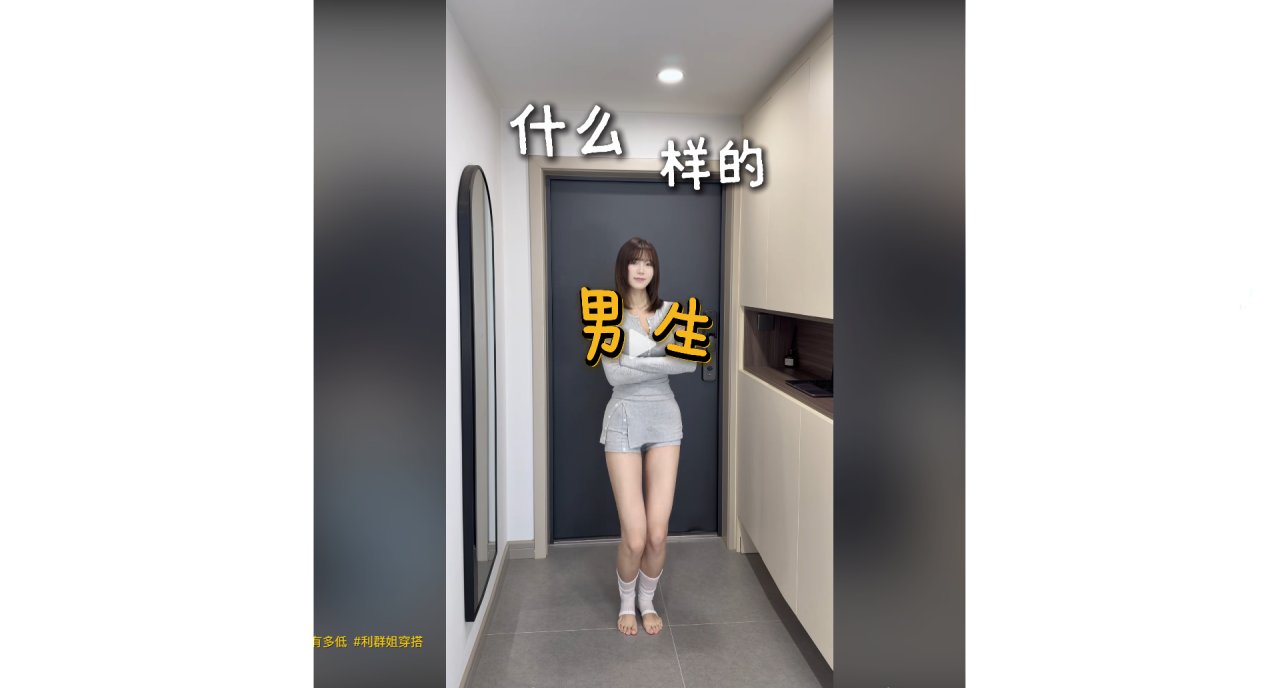
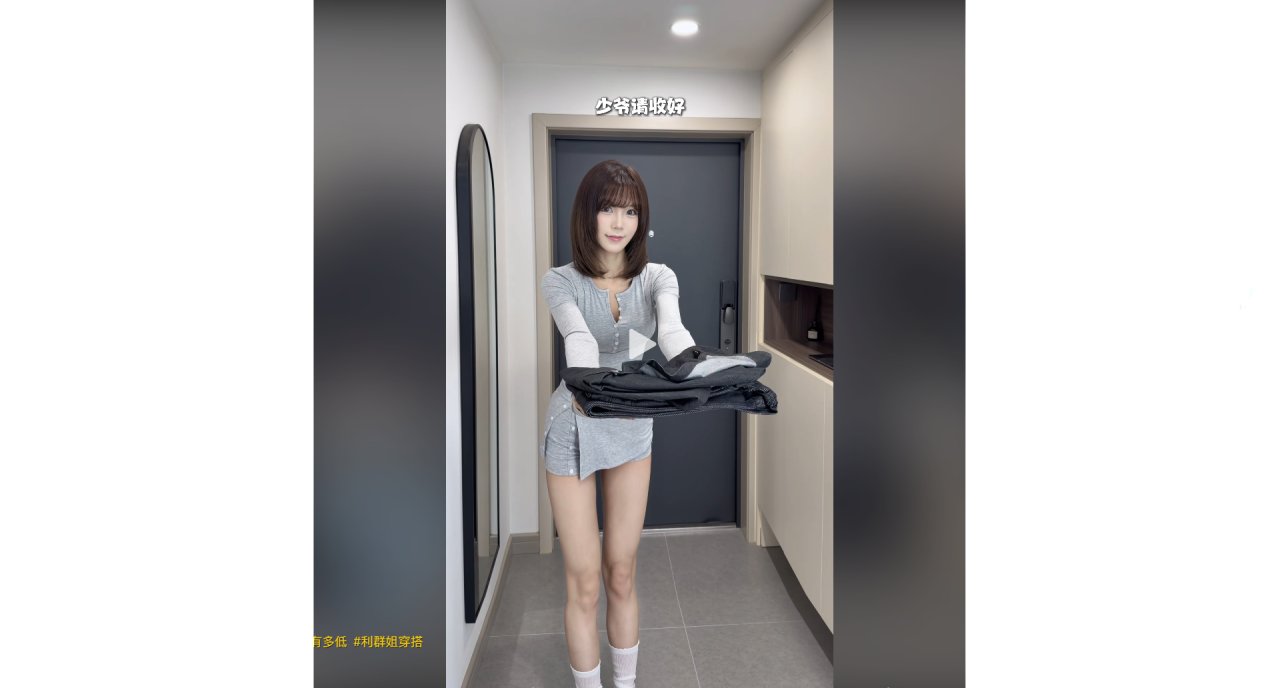
You are standing in your hallway, holding a stack of folded jackets. The scene feels familiar: clean lines, soft lighting, and that specific urge to see how the dark fabric sits on your frame before you commit to the purchase. It is a moment many people experience—wanting to know if a style works without the hassle of trying it on or the risk of a bad fit.
This hesitation is common. Comments often ask for links to specific items, wondering if a hoodie or a leather bag will suit their build. Others worry about size, asking whether to go larger. The desire is simple: visualize the result first.
The Pre-Visualisation Habit
Instead of guessing, some users have started using image-to-image tools to test outfits. The idea is straightforward. You take a photo of yourself in a neutral setting—perhaps similar to the modern entryway described in recent viral clips—and upload it. Then, you apply a template that simulates the jacket you are considering.
In one example, a user uploaded a casual photo and selected a template designed for outerwear. The tool processed the image, swapping the current top for a structured jacket while keeping the background consistent. The output appeared in seconds. This allows for a quick check: does the collar shape look right? Does the color clash with your skin tone?
Steps to Try It Yourself
The process does not require technical knowledge. Here is how it typically unfolds:
| What you do | What you see |
|---|---|
| Select an image-to-image template | A library of outfit styles |
| Upload a clear front-facing photo | Your original image loaded |
| Choose a jacket style from presets | A preview overlay appears |
| Tap generate | A new image renders in seconds |
The key is choosing a photo where your posture is relaxed. If you are holding something, like a stack of clothes, the AI might try to interpret that object as part of the outfit. For best results, start with a simple shot against a plain wall.
Addressing Common Doubts
Many readers express concern about complexity. They assume they need to learn prompt engineering or install software. In reality, the interface is designed for mobile use. There is no deployment step. You do not need to understand what a LoRA model is. You just pick a template and hit go.