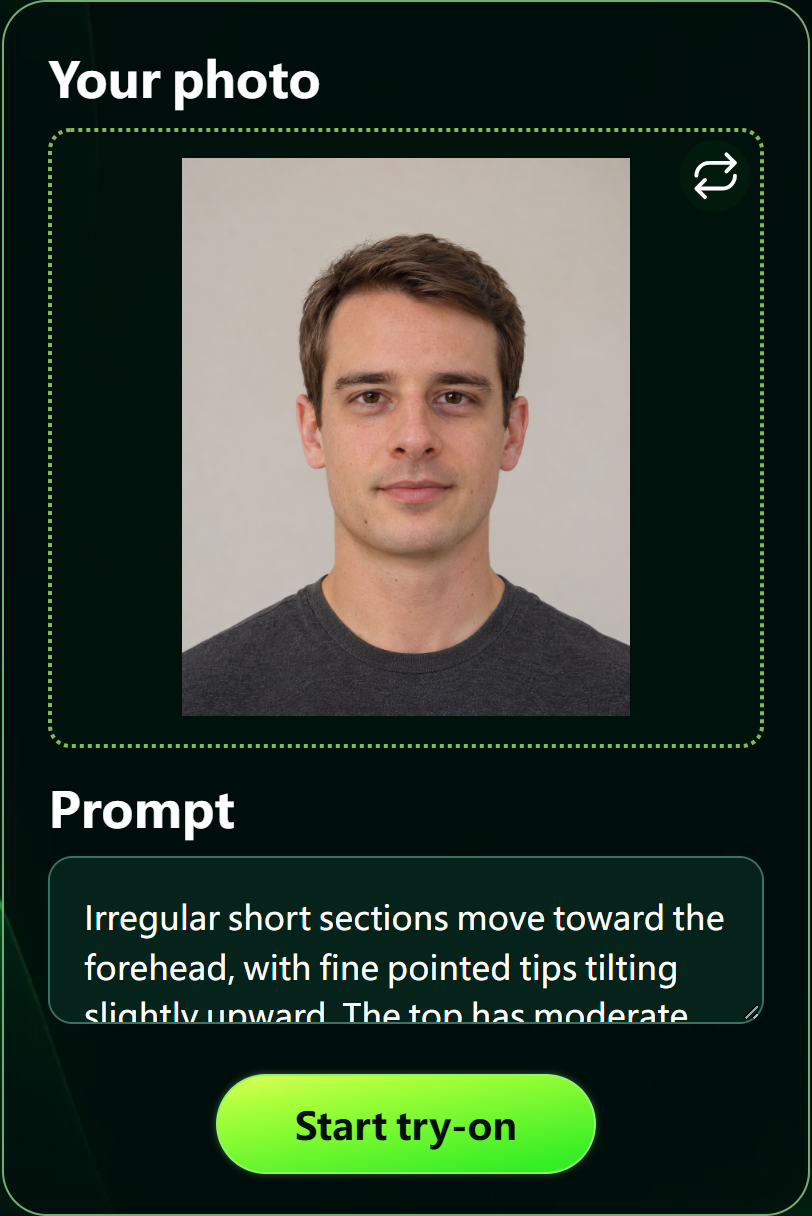
AI hairstyle try-on is now live on Spiky Hairstyle Try On. Saving a haircut reference is useful, but it often leaves a question: how might that direction look on me? This update lets you move from choosing a reference to trying a hairstyle on your own photo, giving you something more concrete to review before a haircut.
Start in the hairstyle gallery. Browse the reference images or search for a hairstyle name, then open a style through its image or name. Look for the details you actually like, such as the fringe, top texture, or shape of the sides. Each gallery card also has a barber-card link for anyone ready to prepare their haircut preferences.
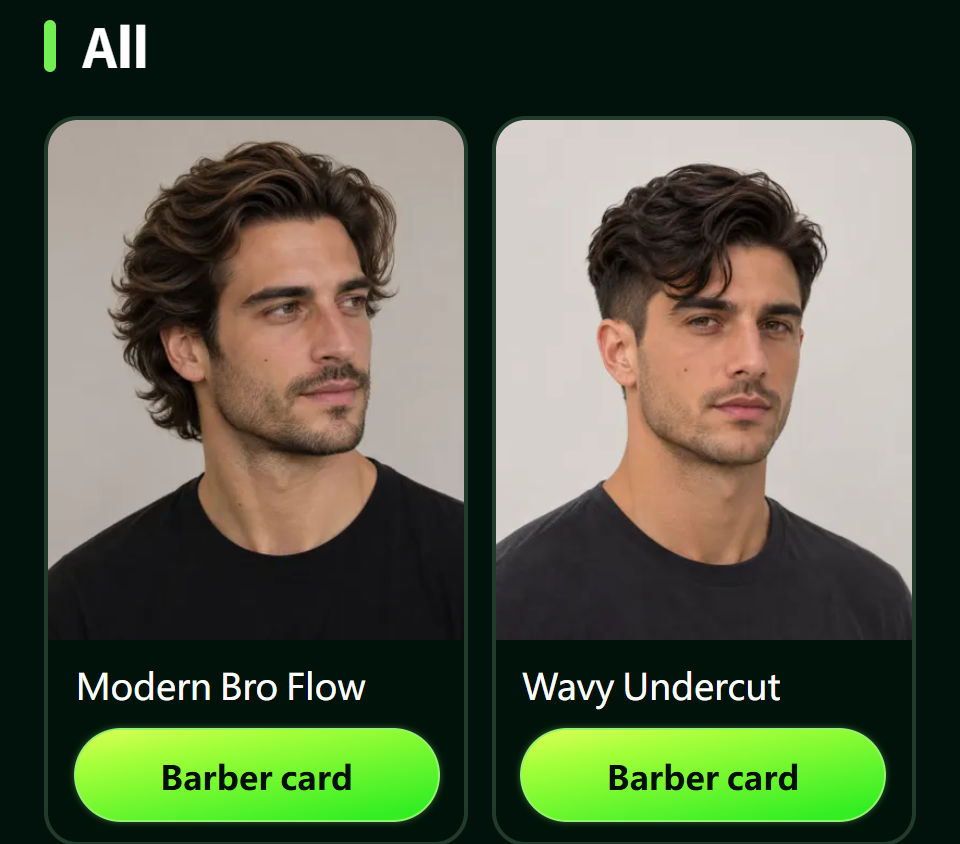
Figure 1. The live English gallery provides hairstyle references and separate links to barber communication cards.
The try-on page brings in reference information and a prefilled prompt for the selected style. It opens with a sample portrait. Use the change-photo control to replace it with your own image, then review the prompt before submitting. A photo with a clear view of your face and hair makes it easier to inspect the visual changes yourself.