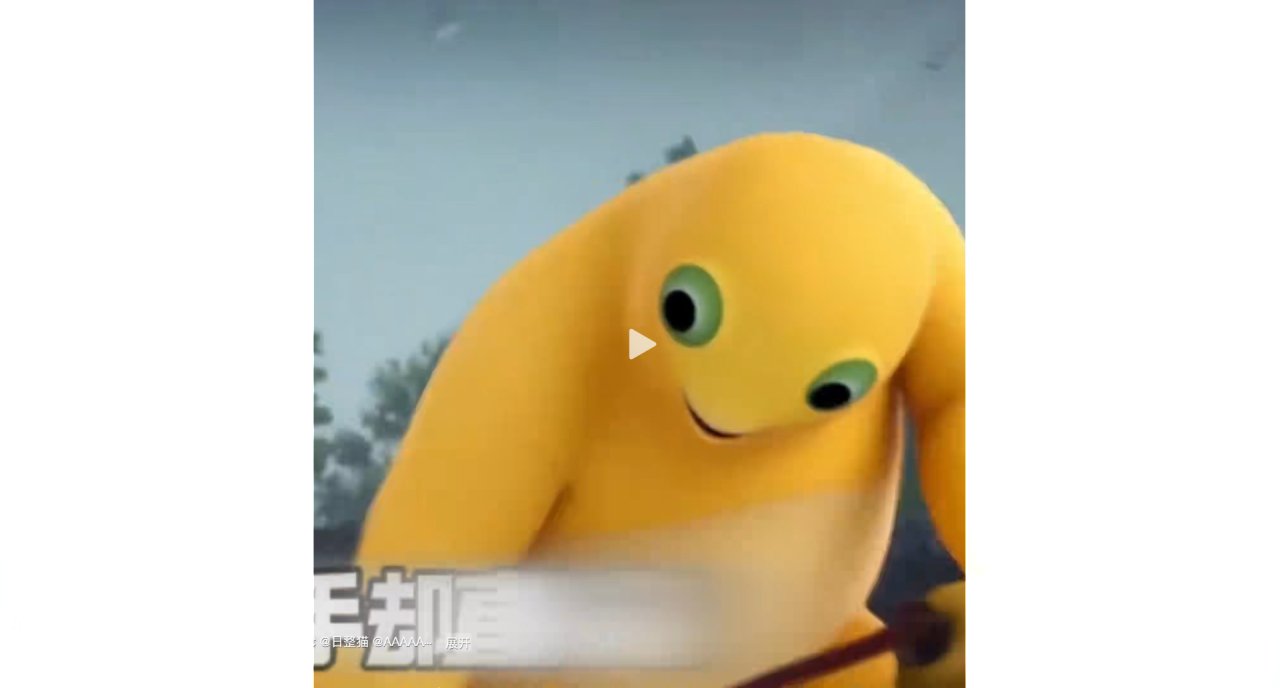
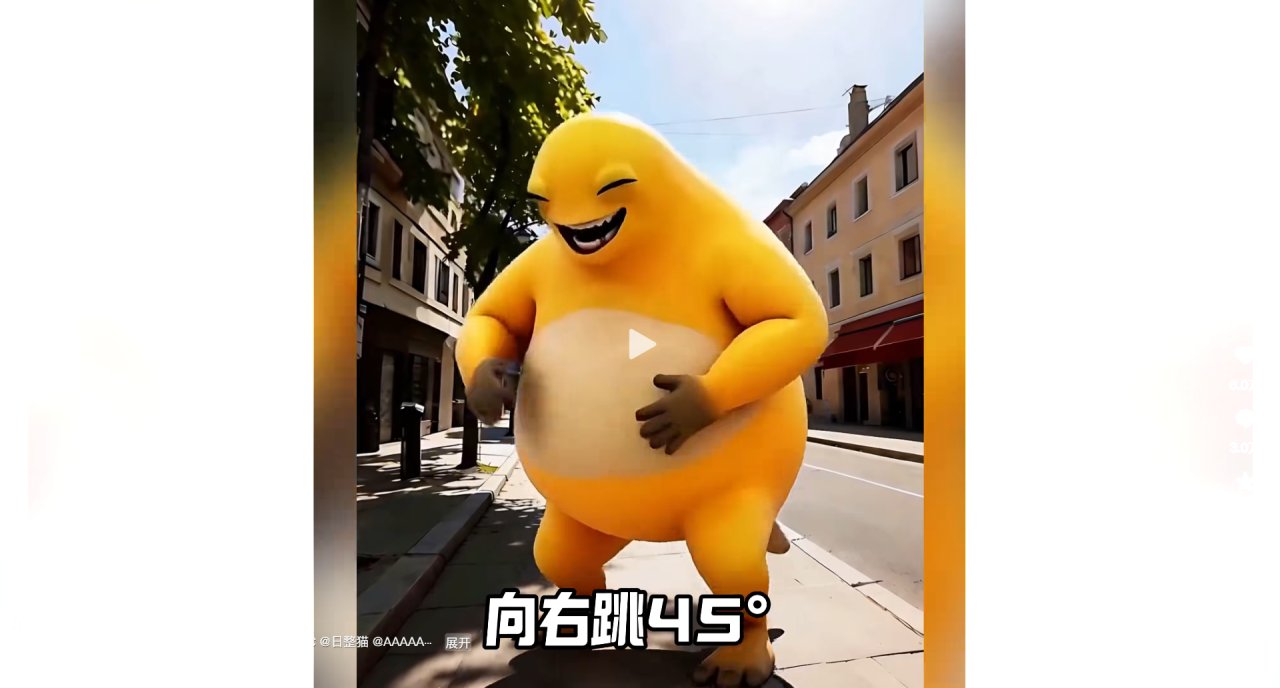
You are scrolling through your feed, thumb hovering over the next video. Then it stops you. A giant, yellow, 3D-rendered creature with a round belly is standing in the middle of a sunny European street. It has its eyes squinted shut and mouth wide open in a laugh that feels too loud for the quiet background.
The caption reads 「jump right 45 degrees」. It makes no sense, yet it is hilarious. The comments are flooded with people tagging friends, asking if they remember what this character looked like before, and joking about their own sanity. This specific clip got 55,000 likes because it took a familiar childhood memory and dropped it into reality with absurd precision.
Why this works now
Most AI tools require you to learn prompt engineering syntax or set up complex workflows. But here, the barrier was just describing a feeling. The creator likely used text-to-image capabilities to generate the scene: a realistic street, a specific lighting condition, and a cartoonish monster. The humor comes from the contrast between the mundane, photorealistic background and the exaggerated, virtual foreground.
It answers a need many of us have: we want to see our old favorites reimagined without needing to be professional animators. We want the visual punch of 3D rendering without the months of modeling work.
Breaking down the steps
To recreate something similar, you do not need to code. You need a tool that handles the heavy lifting of style transfer and composition. Here is how I approached making my own version using deepdraw.
| What you do | What you see |
|---|---|
| Pick a template from the library that blends photo-realism with 3D cartoon styles. | The interface shows a preview of the hybrid aesthetic. |
| Upload a reference image of the character or type a short description like 「yellow fat monster laughing」. | The tool processes the input and generates multiple variations. |
| Select the output that matches the vibe and use the one-tap layout feature to adjust the framing. | The final image places the character centrally against a chosen background. |
The process took seconds. The key was not trying to control every pixel but letting the template handle the stylistic blend. The result was a character that felt both nostalgic and surreal, much like the viral example.
Who this is for
There are three types of users who find value in this approach.
First, the nostalgic. You remember a toy or a cartoon from ten years ago and wonder what it would look like in today's high-definition world. You want to share that curiosity with friends who might remember it too.