Planned AI Hairstyle Try On Starts With Choosing a Style

AI photo try-on is being planned for Spiky Hairstyle Try On. The idea is to choose a haircut first, then preview it on your own photo before discussing a cut. The feature is not available yet; this update introduces the proposed style-selection interface.
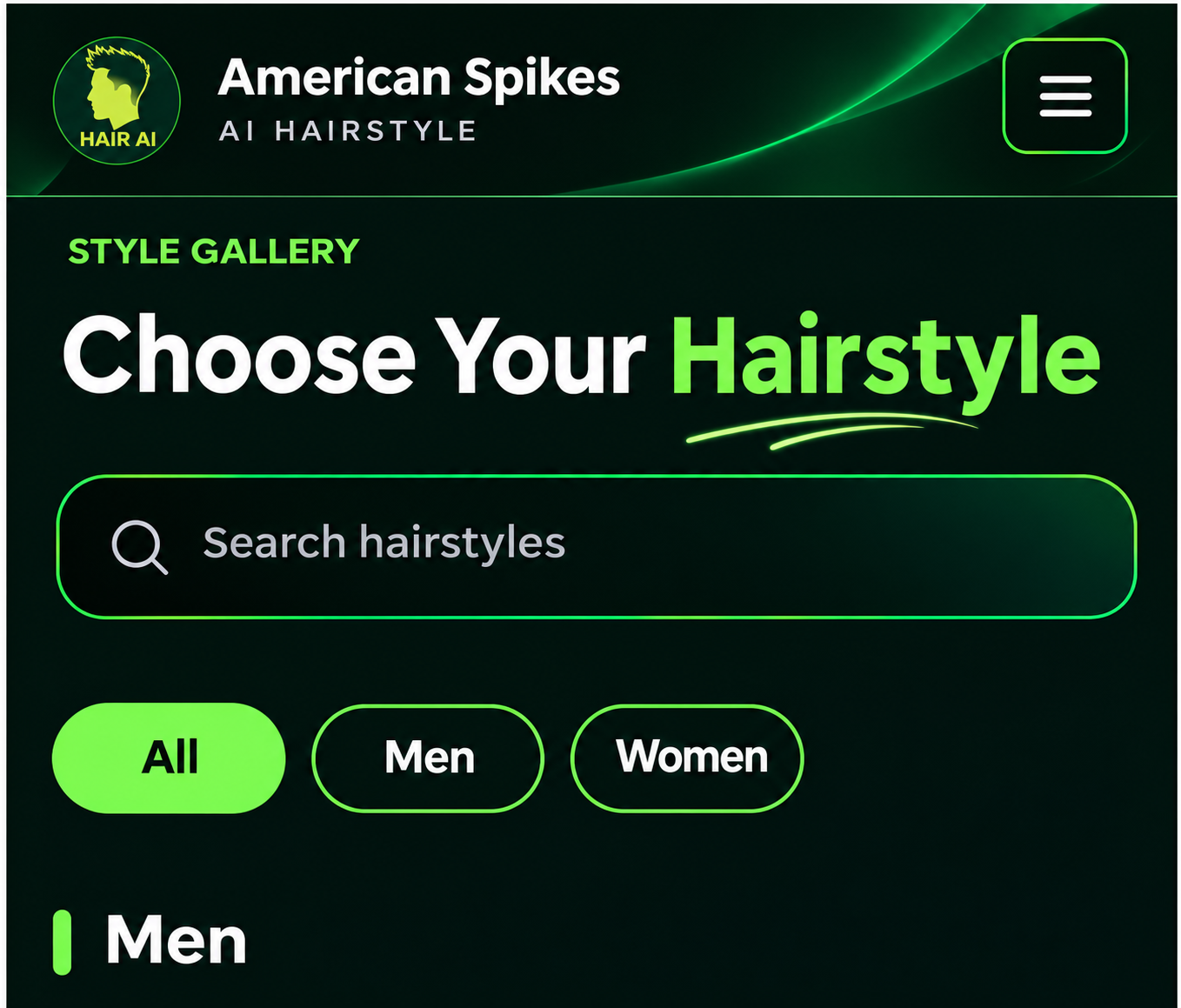
Proposed hairstyle-selection interface with a search field and All Men and Women category options in Chinese

Figure 1. A user-provided concept for search and style categories. The original interface is in Simplified Chinese; this is not an available AI generation tool.

User-provided AI hairstyle-selection concept

The proposed starting point is a hairstyle gallery. A search field and All, Men, and Women filters would help narrow the choices. Users could then compare the silhouettes of different styles and select one to explore further.

The sample gallery includes front-spiky hair, a textured short crop, a short curly fade, and a Korean-style middle part. A selected marker on the card expresses a design goal: keep the same chosen style in context as users move through the planned experience.
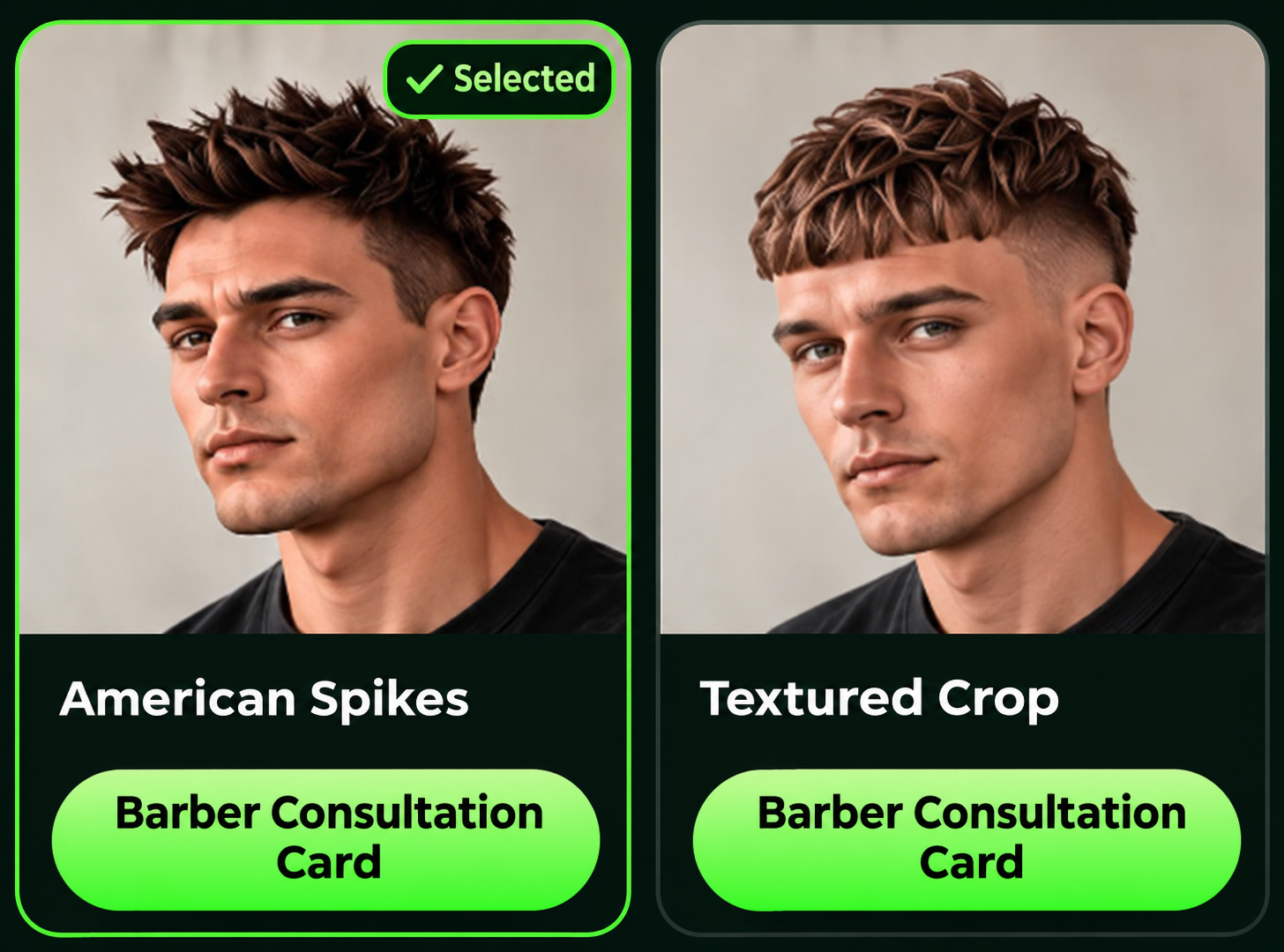
Two proposed hairstyle cards showing a selected state and barber-card buttons

Figure 2. Style cards and a proposed barber-card entry in the supplied concept. These are selection references, not personal AI try-on results.

User-provided hairstyle-gallery concept

Photo upload and generation would come after that selection step. The example people in the design illustrate the styles only. The personal-photo workflow, generation quality, and result presentation still need to be connected and tested.

Linking the chosen style to a barber communication card and a relevant styling guide is also part of the plan. For now, the published homepage and styling guide are the parts users can visit. When photo try-on is ready, I will explain its actual capabilities and how the available workflow operates.

Current website: