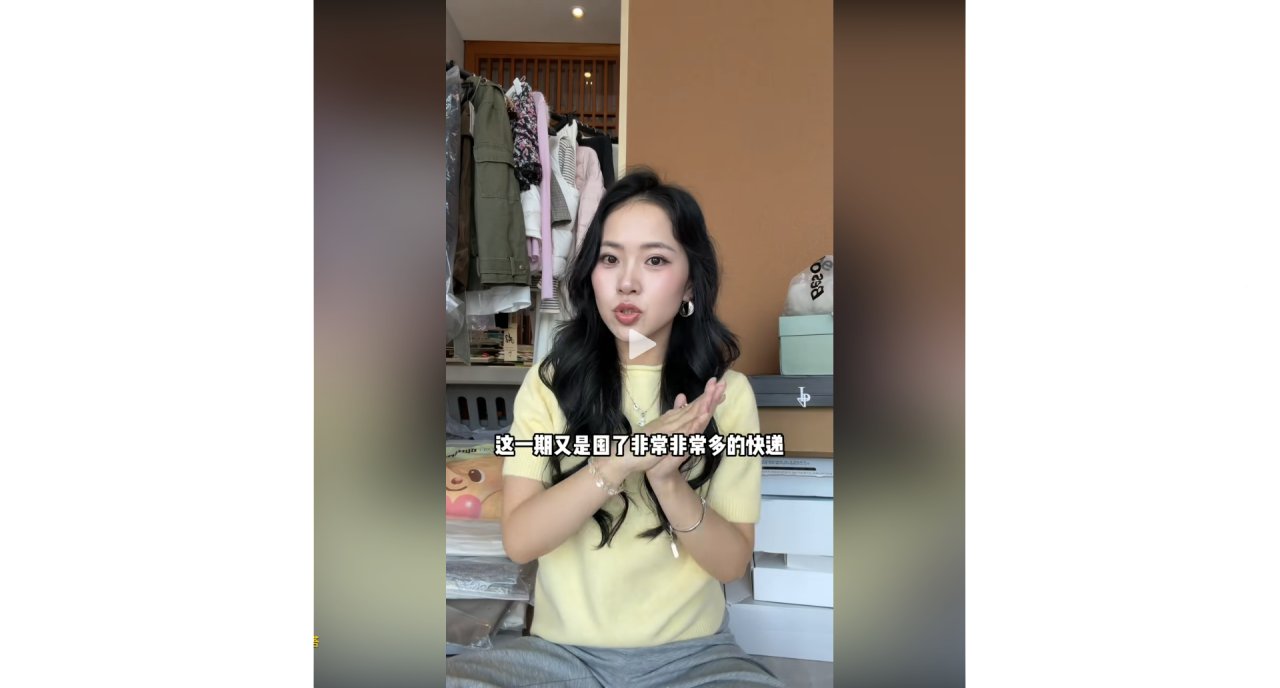
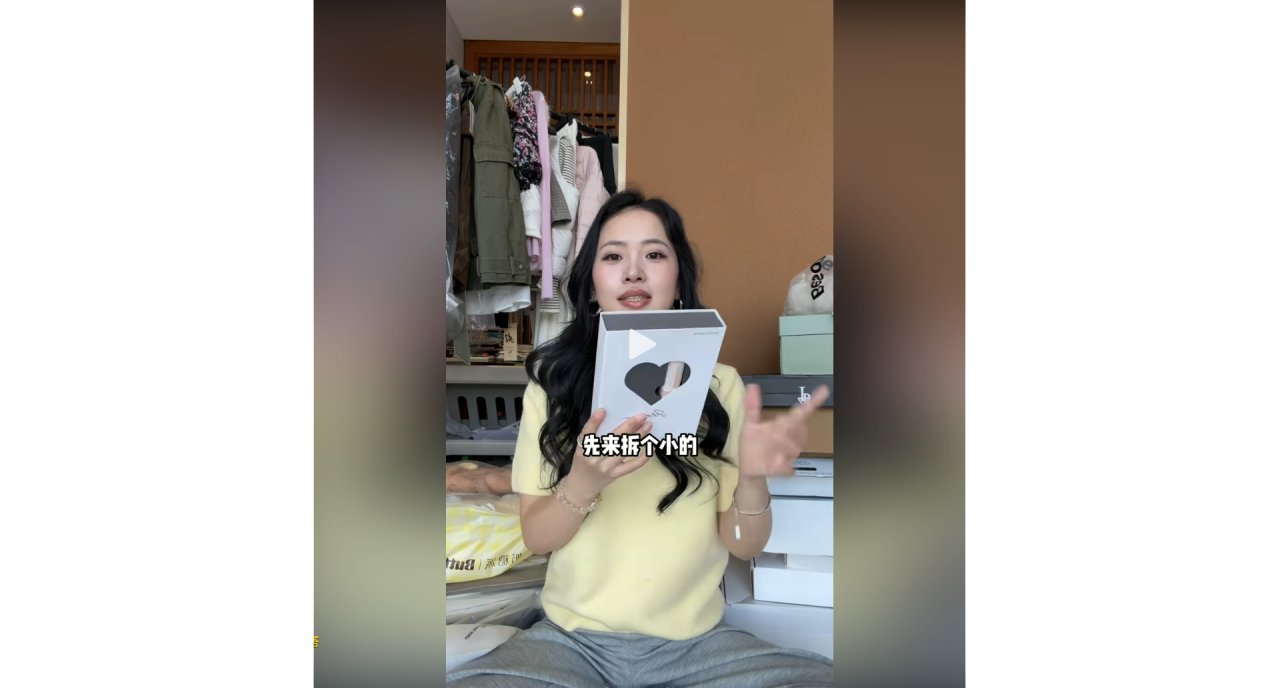
You open the comments section of a fashion haul video and see hundreds of people asking for links. They want to know if that pink sweater works with their jeans, or if the vest looks good on someone else. The frustration is real: you have the clothes, but you cannot visualize how they fit together without trying them on physically.
This is where AI image generation becomes practical rather than theoretical. You do not need to learn complex prompts or set up servers. You just need a photo of your current outfit and a template that understands style.
Why Everyone Is Asking For Links
In recent viral videos featuring autumn and winter outfits, the core appeal is versatility. Creators showcase items like vests paired with different inner layers and bottoms. Viewers are stuck because they own similar pieces—striped sweaters, white pants, denim—but cannot predict the result before buying or wearing.
The desire is specific. Comments range from "Is there a link for this outfit?" to "Does this pink set suit me?" This shows a gap between seeing an item and imagining it in context. Traditional shopping requires trial and error. AI can bridge that gap by generating visual previews based on existing photos.
From Photo to Preview
Let's look at how this actually works using deepdraw. I took a photo of my own gray hoodie and blue jeans. I wanted to see if swapping the hoodie for a structured blazer would make the outfit look more polished for work.
I selected the image-to-image template within the app. I uploaded my photo. Then, I used the text removal feature to clear any background clutter that might confuse the AI. Finally, I applied a style swap effect labeled "Business Casual." Three seconds later, I had a new image. My jeans were still there, but the top was now a fitted blazer. It was not perfect, but it gave me a clear idea of whether the silhouette worked.
| What you do | What you see |
|---|---|
| Upload a photo of your current outfit | The original image appears in the editor |
| Select "Style Swap" from templates | A list of aesthetic options opens |
| Choose "Winter Layering" | The AI regenerates the image with added texture and depth |
No Setup Required
Many people hesitate because they think AI drawing requires technical skills. They imagine installing Python libraries or writing long descriptions. That is not the case here.
There is no deployment step. There is no prompt engineering class to take. The interface handles the complexity. You pick a template, upload a file, and get a result. If the first try does not match your vision, you simply adjust the input photo or choose a different template. It feels more like filtering a photo than coding a program.
Where It Stops Working
It is important to be honest about limitations. AI-generated images are approximations. They may distort fabric textures or create unnatural folds. If you are looking for a precise measurement of how tight a pair of jeans will feel, this tool cannot help. It is also not suitable for replacing professional product photography if you are selling items. Use it for personal visualization and quick inspiration, not as a final commercial asset.
Try This Small Task
Find one photo from your camera roll where you are wearing a basic t-shirt and pants. Open the app and select the "Interior Style Change" or "Fashion Overlay" template. See if you can generate a version of yourself wearing a jacket over that shirt. Notice how the lighting changes and how the jacket fits over the shoulders. This takes less than three minutes and helps you understand what the tool can and cannot do.